

Reading the Report
When processing finishes you land on the report page. The strategy is named automatically from the DUT overview — click the title to rename it.
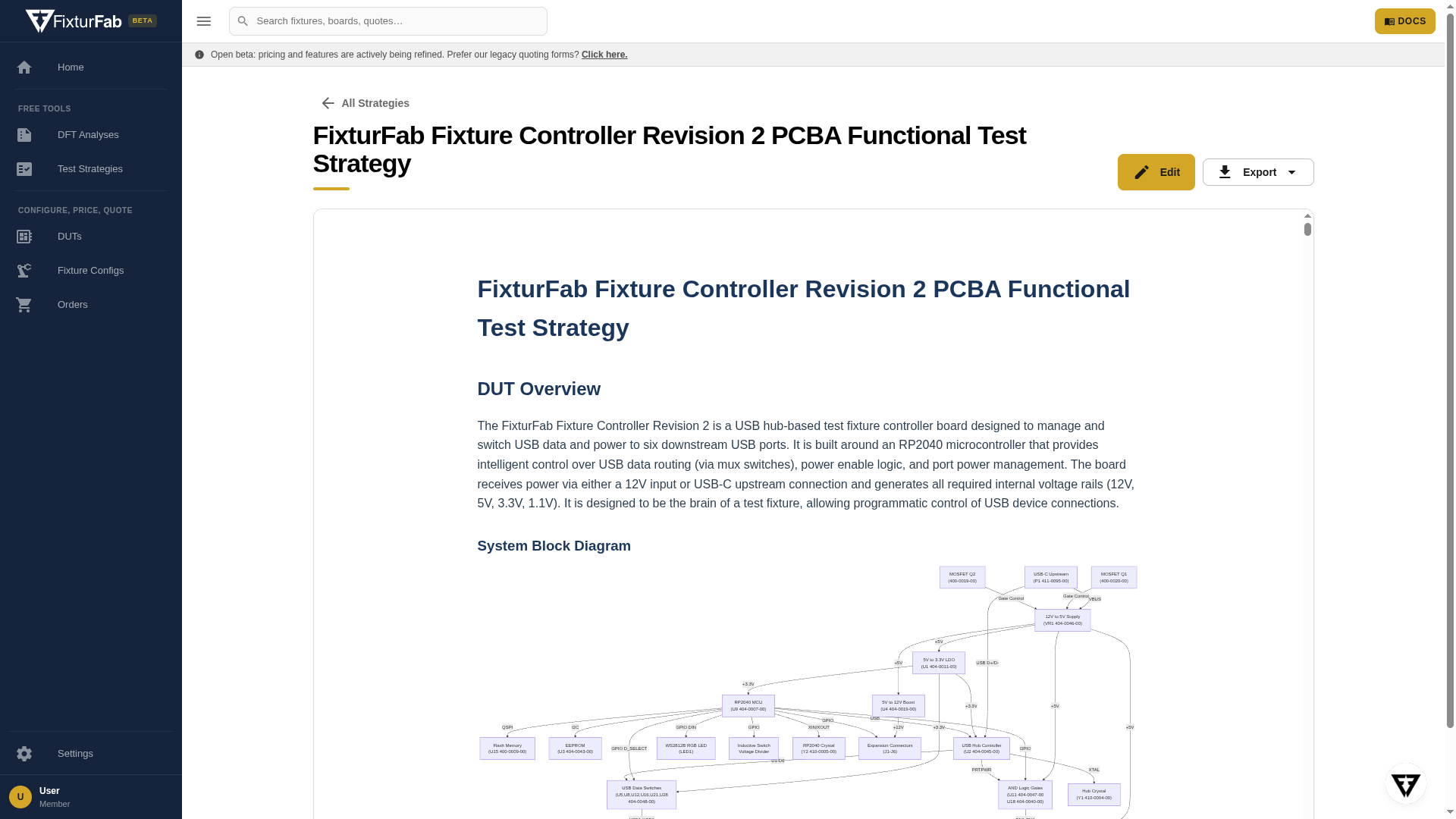
What's in the report
- DUT overview — a description of your board as understood from the schematic, including a system block diagram, the major components and functional blocks, power requirements, test points and connectors, and any programmable devices. Read this first: if the overview misreads the design, treat the downstream sections with extra skepticism.
- Key functional test areas — the testable blocks the analysis identified and what each test should verify, typically spanning pre-power safety checks (open circuit tests), voltage rail verification, programming, functional tests per block, and calibration, with a coverage summary. This is the heart of the report and maps directly to the functional tests you'd implement in pytest-f3ts.
- Test procedure — a worked sequence showing the order of operations for testing the board, category by category.
- Sample equipment list — instrumentation the procedure calls for (power supplies, DMMs, programmers, communication adapters).
Editing and exporting
- Edit opens the report in a markdown editor — refine the generated content, delete sections that don't apply, and add what the analysis couldn't know (test limits, regulatory requirements, golden-unit procedures).
- Export produces a self-contained HTML file or a printable PDF for sharing outside Studio.
Your strategies are saved to your account — find them anytime under Test Strategies in the sidebar.
What to do next
- Review every section against your own knowledge of the design — the report is a first draft, not a specification.
- Use the functional test areas to decide which nets need test points, then run a DFT Analysis to verify the board can be probed.
- When you're ready for a fixture, the test strategy tells you what instrumentation the fixture needs to interface with — see the fixture bases and the signal interface options in the terminology guide.
Questions about a report, or want an engineer's read on it? Use the chat inside Studio or reach out at hello@fixturfab.com.