

Appearance
DUTs
A DUT (device under test) is your circuit board as Studio understands it — the foundation object that everything else attaches to. You create a DUT for each board design, upload its design files, and Studio parses them into a board model: layout, dimensions, layer count, components, and test-relevant features.
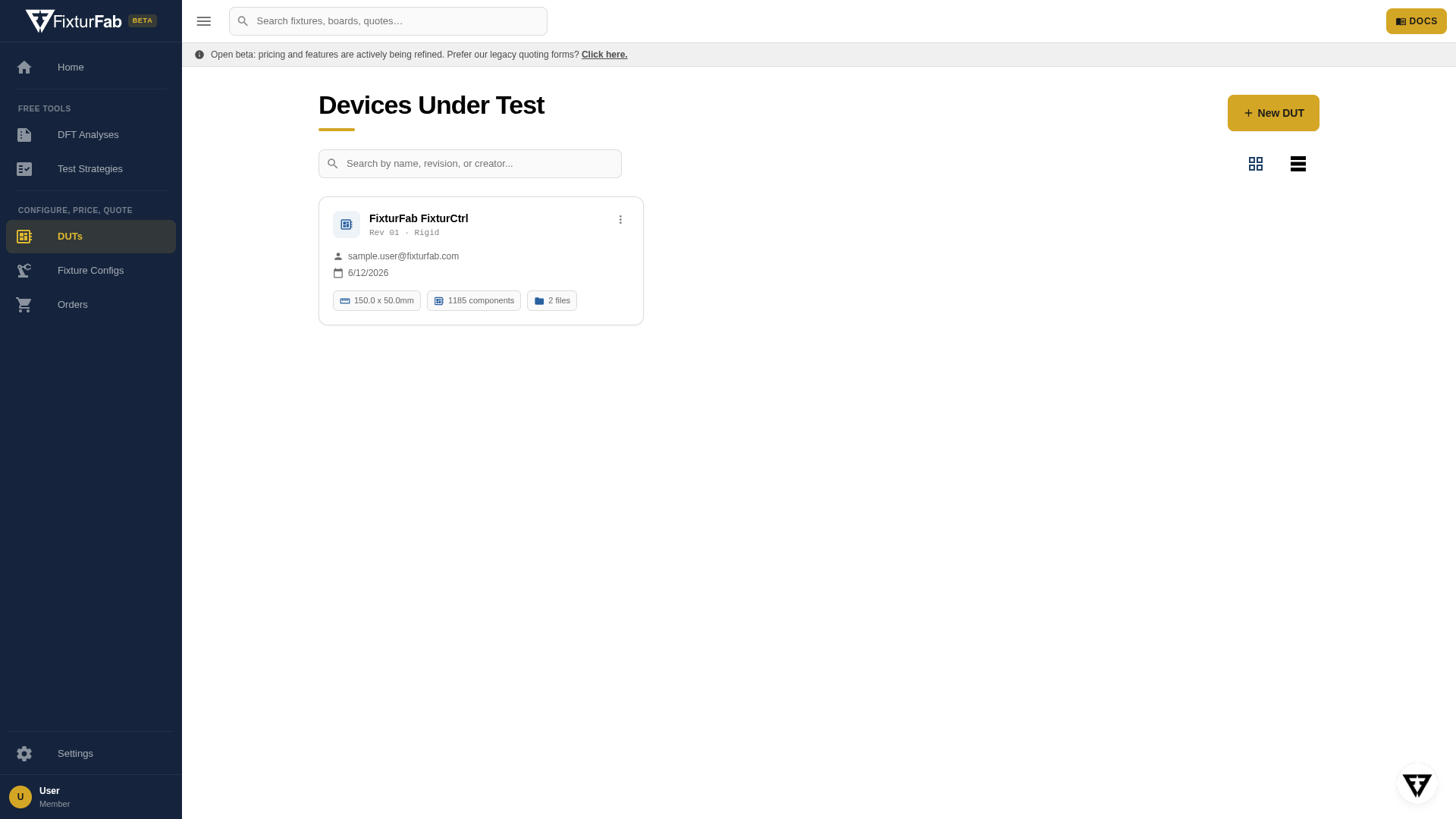
Each DUT revision is a distinct object. When your board revs, create a new DUT for the new revision — your existing DUTs, their files, and their test configs stay intact, and all of them appear in the DUTs list.
What a DUT holds
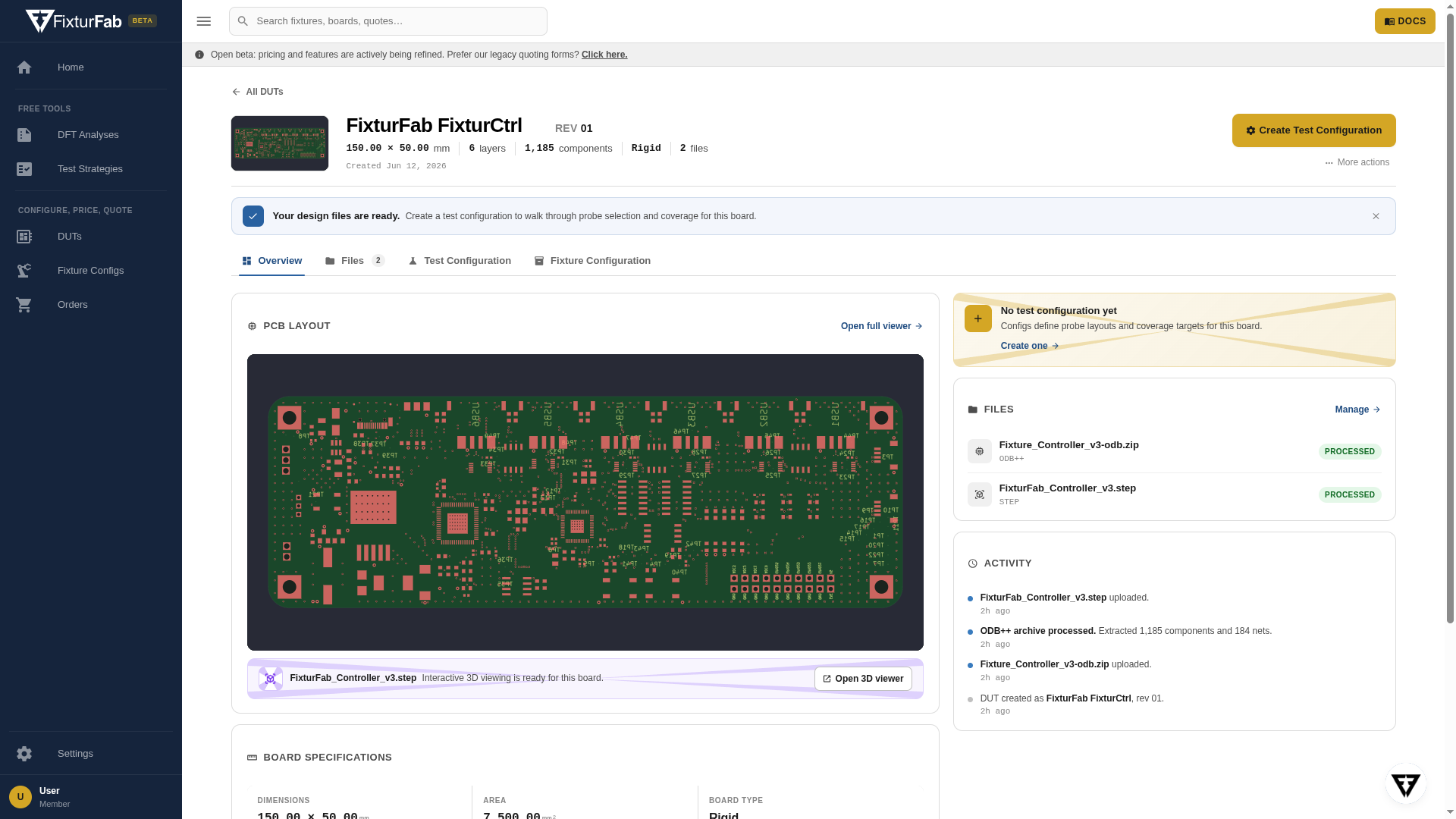
- Design files — the PCB design package and 3D model, plus any supporting engineering files. Files are processed in the background and each shows its processing status. Staff see which file plays which part in the board model on the Design Package tab.
- Board specifications — dimensions, layer count, component count, and board type extracted from the design data.
- PCB layout — an interactive render parsed from your design files, with a full viewer one click away.
- Test configs — one or many per DUT, each defining what a fixture should test on this board. See Test Configs.
The path to a fixture
The DUT is step one of Studio's configure-price-quote workflow:
- Create a DUT — identify the board and upload its files (walkthrough)
- Create a test config — define what needs testing (walkthrough)
- Configure a fixture — Studio generates recommended fixture configurations from your test config, with real-time pricing
Your files are protected: mutual NDAs are available before you upload anything — see your profile settings.